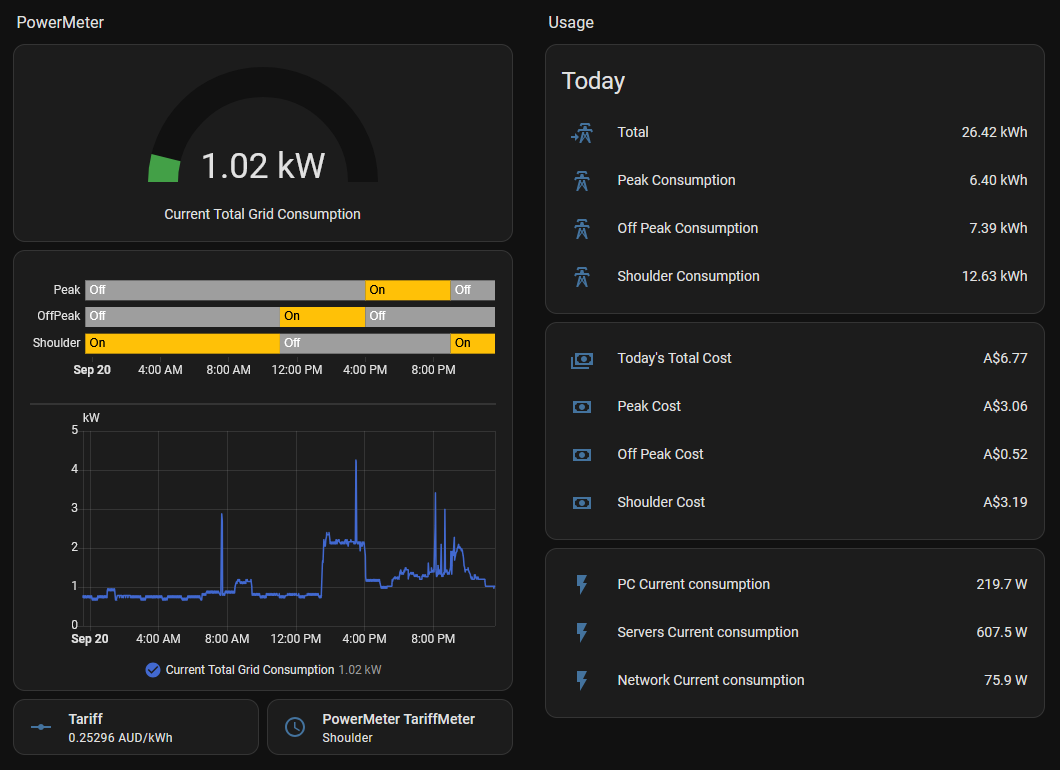
Monitoring whole home energy usage
How it started
For over 2 years I've been using a few Tapo P110M energy monitors from TP-Link in my office/ homelab. I first started using them as a way to remotely turn my PC on as I hadn't yet learnt about wake on lan. I had my PC bios set to turn on when ever power came back on. They also let me see if my PC was actually running or not when I was away from home and wanted to remote in.
Eventually when I got my servers for my homelab I used the P110M's as a way to make sure I want overloading the power strip attached to the wall socket. As well as a way to measure how much the servers were costing me in electricity. But I wanted a way to track my whole houses usage not just specific devises. Since I'm in a rental I cant just call an electrician to make modifications to the meter box so I had to find a "non intrusive" way about it.
After doing some quick research I found that most smart meters have an led that pulses at the rate that electricity is being consumed. And sure enough so did my meter. After talking to some coworkers and doing some more research I decided to use an ESP32 and a LDR that I linked to home assistant which I was already running.
I ended up combining the scrips and ideas from both of these projects:
https://esphome.io/cookbook/power_meter/
For hardware I used an ESP32-S3 and an Arduino LDR module both from Jaycar.
The ESPHome code used for this project:
sensor:
  - platform: pulse_counter
    pin: GPIO4

    count_mode:
      rising_edge: DISABLE
      falling_edge: INCREMENT
    unit_of_measurement: 'kW'
    device_class: power #This is important
    name: 'Current Grid Consumption'
    filters:
      - multiply: 0.06  # (60s/1000 pulses per kWh)

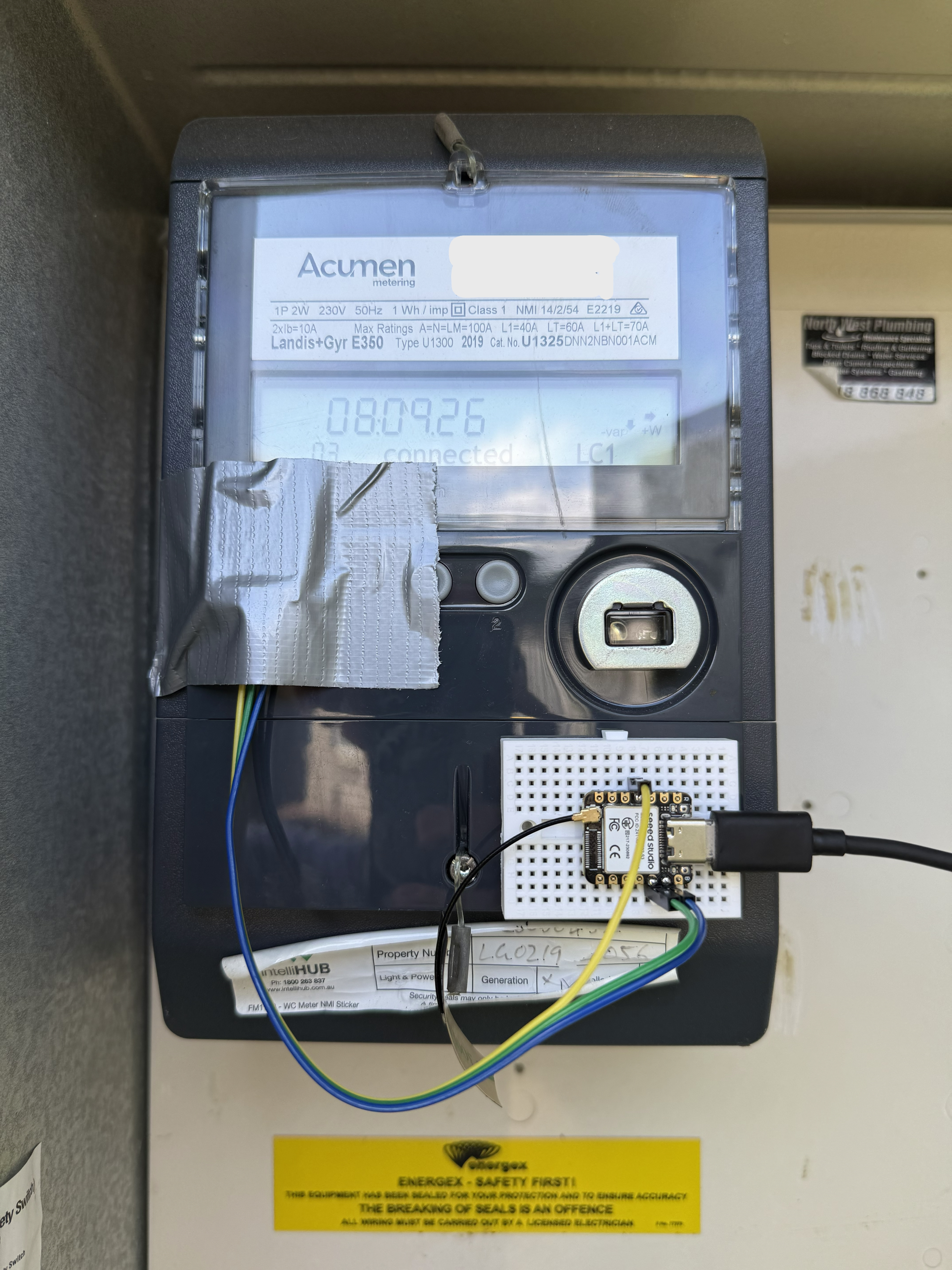
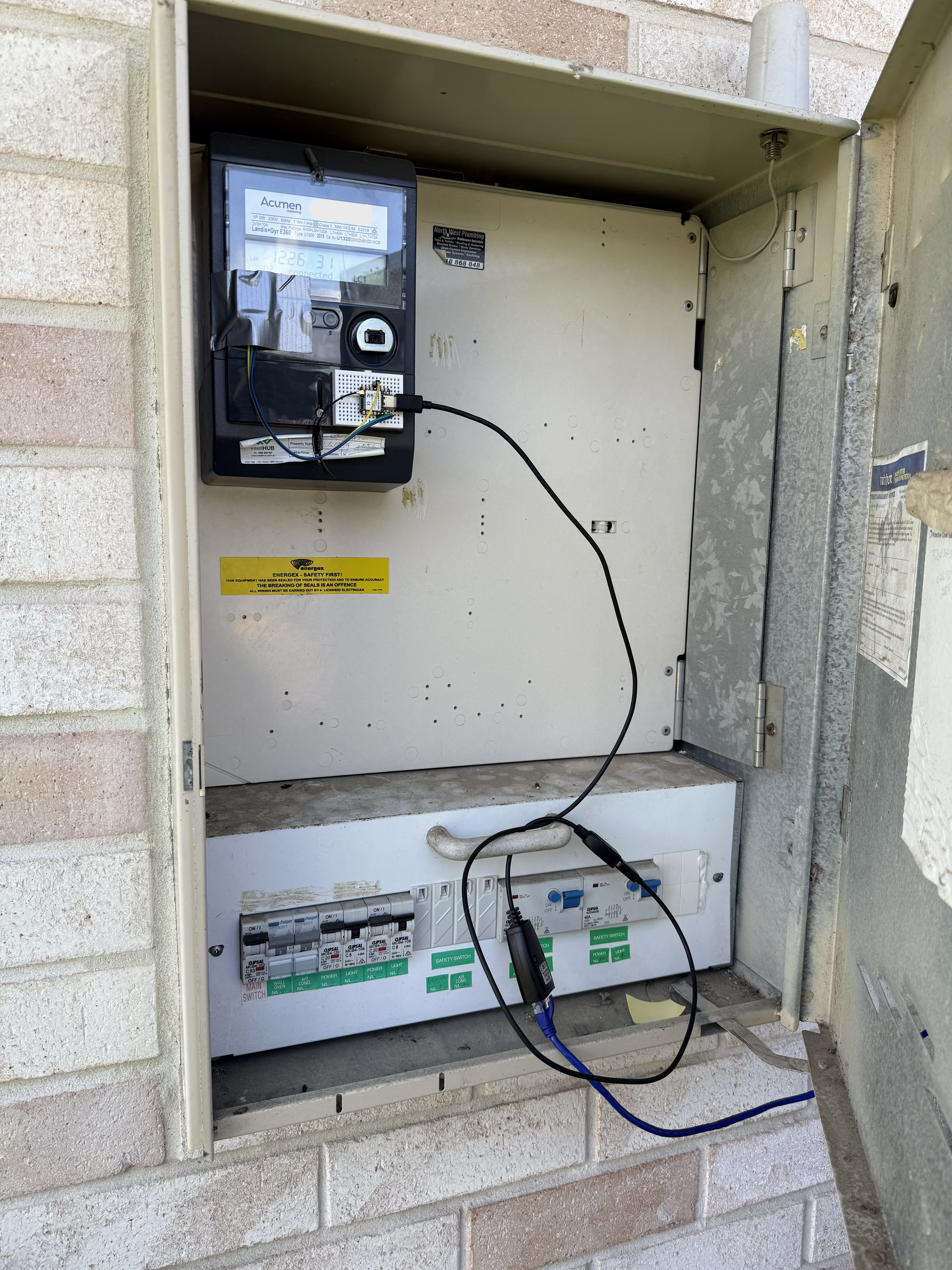
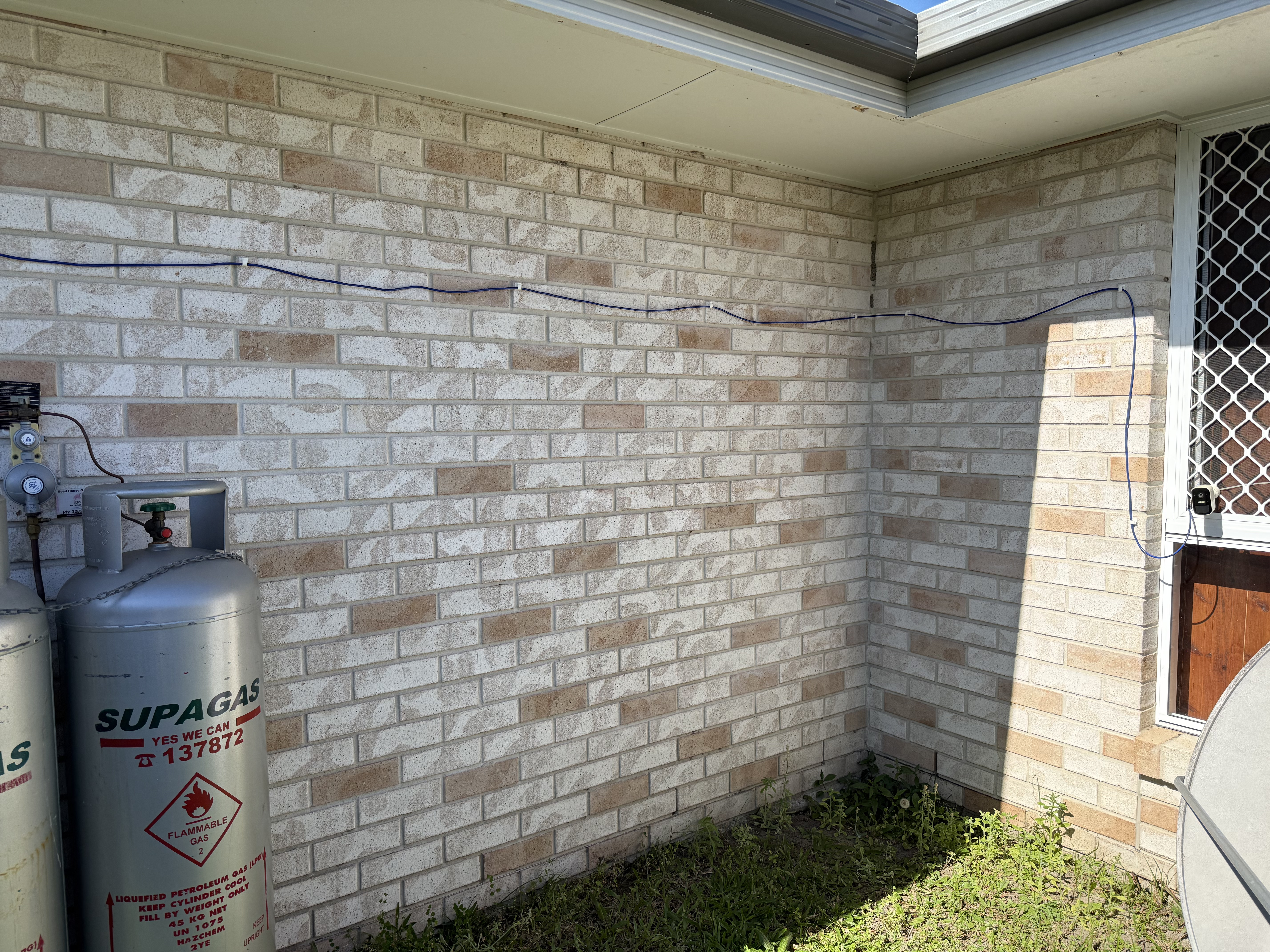
Since this was a bit of a proof of concept I ended up being a bit lazy with how to power it but I full intend to find a better solution eventually. I ended up using a USB over Ethernet adapters and a long Ethernet cable just to send power to the ESP in the meter box.


Finding the cost
Once the hardware was set up the next part was getting home assistant to use this new data It was collecting. Initially this was difficult as I didn't really under stand how HA energy metering system worked. But after setting up a system that kinda didn't work I eventually found the correct way to do it.
At first I created an automation that set a number helper to the cost depending on the time of day and assigned that number as the cost in the Electricity grid section. But for some reason the cost never changed and stayed at zero.
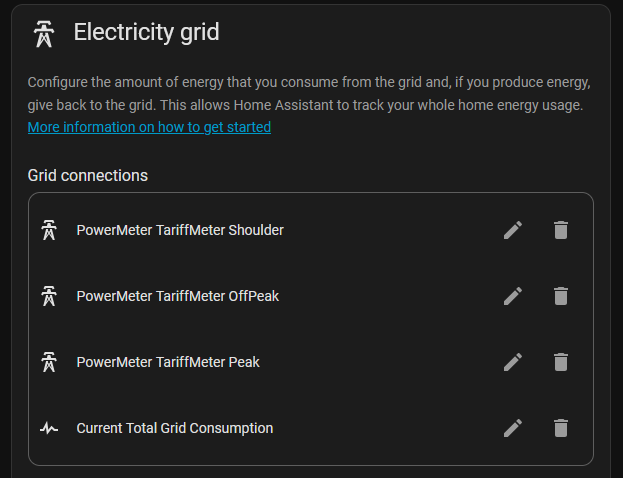
The proper way to set it up was to create a utility meter helper and name tariffs i.e peak, off peak and shoulder. Then use automation to set the tariff meter to the different tariffs depending on the time of day. Then in the electricity grid section you add all the tariffs separately including the current grid consumption. That way the cost and usage of each tariff is separated and you just assign the cost per KWh in the grid connections section.
The original system I set up that changed the tariff cost depending on the time off day I ended up keeping as it lets me see the current cost per KWh and a time line of when the tariffs are.